| Table of Contents | Keyword Index |
|
Replace Notes
|
Previous Top Next |
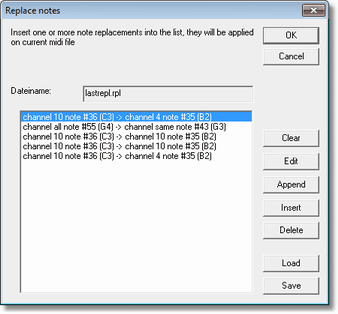
| start a new replacement table.
|
| edit the current selected replacement in an own dialog. Double click with left mouse button on the line does same.
|
| add a new note replacement at end of table.
|
|
|
| enter a new note replacement before current selected row.
|
| deletes current selected row
|
| Previously saved replacement tables (*.rpl files) can be reloaded. You can also edit *.rpl files with notepad, they are simple text files.
|
| Save your replacement table in a .rpl file that the replacement can be used later again for other MIDI files.
|
|
|
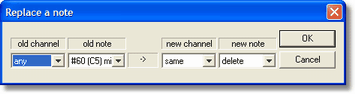
| This operation is also usable for deleting certain note numbers from given or any channel by setting new note to value "delete".
|
|
|
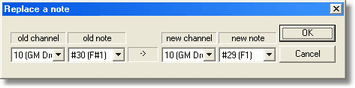
| This operation is also usable for moving certain note numbers from one channel to a new channel. To renumber a whole channel you should use operation Map channel numbers.
|
|
|
|
|